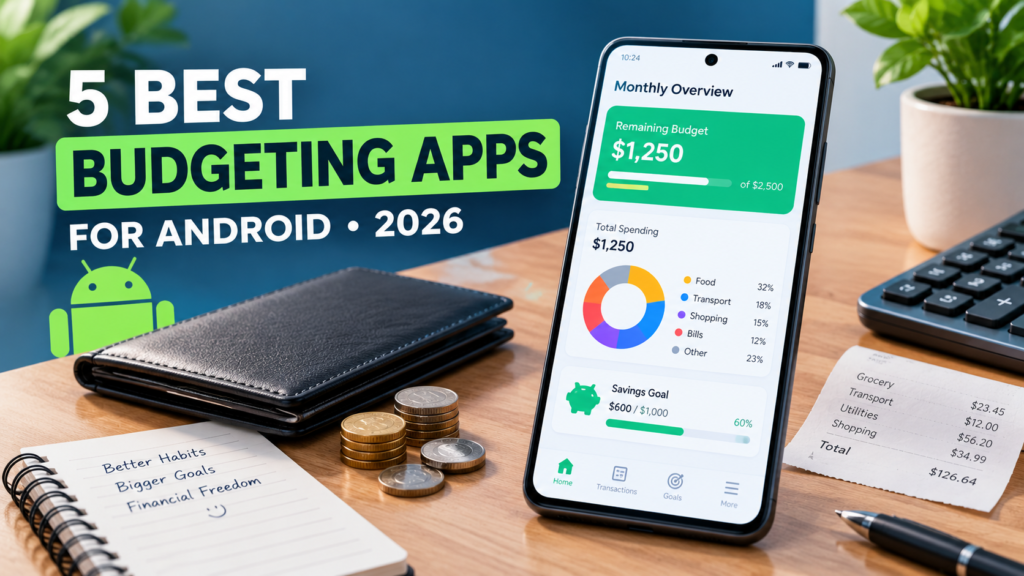

Checking your bank balance tells you how much money you have. It does not always tell you how much you can safely spend.
That is where a good budgeting app can make a difference. Instead of simply recording transactions after they happen, the right app can help you understand upcoming bills, track spending patterns, manage savings goals, and in some cases show how much money is realistically available to spend.
Android has no shortage of budgeting apps, but they are not all designed for the same type of user. Some focus on automated bank synchronization, while others are better suited to manual tracking, visual spending reports, multi-currency finances, or people who do not want to connect their bank accounts.
After comparing the main features, pricing models, and budgeting approaches of several popular options, these are five apps worth considering in 2026.
Quick Comparison
| App | Best For | Free Version | Starting Price |
|---|---|---|---|
| PocketGuard | Automated budgeting | Yes | Paid plans for advanced features |
| Wallet by BudgetBakers | Multi-currency budgeting | Yes | From around $5.99/month |
| Money Manager Expense & Budget | Free manual budgeting | Yes | Around $2.49/month for cloud sync |
| Spendee | Visual spending analysis | Yes | Around $2/month |
| Fudget | Manual budgeting without bank linking | Yes | One-time upgrade available |
Pricing and available features can vary by country, platform, and subscription offer, so check the current Google Play listing before subscribing. Current 2026 comparisons show substantial differences between free tiers and premium features across budgeting apps.
How We Chose These Android Budgeting Apps
A long list of features does not necessarily make a budgeting app useful. The more important question is whether the app solves a particular money-management problem.
For this comparison, the focus is on several areas:
- Budgeting tools: Can the app help you create and maintain a realistic budget?
- Expense tracking: How easily can you record and categorize spending?
- Automation: Does it support bank synchronization or other automatic tracking?
- Forecasting: Can it help you understand upcoming cash flow rather than only showing past transactions?
- Privacy: Can you use it without connecting your financial accounts?
- Multi-currency support: Useful for travelers, international workers, and people with accounts in different currencies.
- Pricing: Which important features are available without paying?
There is no single budgeting method that works for everyone. An automated app can be convenient for one person, while another may prefer entering every transaction manually for greater control.
1. PocketGuard – Best for Automated Budget Tracking
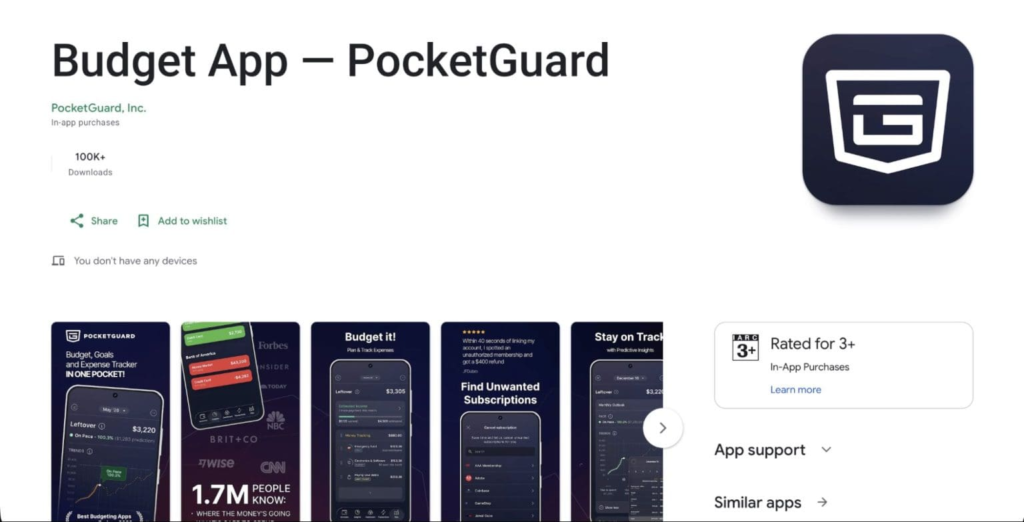
PocketGuard is designed around a straightforward question: how much money can you safely spend?
Instead of making you calculate your available spending amount manually, the app brings together income, bills, planned expenses, savings goals, and transactions to give you a clearer picture of your remaining budget.
That makes it particularly useful if you want budgeting to require less manual work.
Key Features
- Leftover: Shows the amount remaining after accounting for bills, spending plans, and financial goals.
- Spending Pace: Helps compare your current spending with your expected monthly budget.
- Flexible budgeting: Supports different approaches, including customized categories and structured budgeting methods.
- Bill tracking: Helps identify recurring expenses and subscriptions.
- Financial goals: Lets you create savings targets and track progress.
- Debt payoff planning: Provides tools for organizing debt repayment.
- Automatic account tracking: Supported financial accounts can be connected to reduce manual transaction entry.
PocketGuard’s core appeal is its focus on turning a collection of transactions into a more understandable spending picture. Current reviews also highlight its leftover-money and cash-flow features as key parts of the experience.
Pricing
PocketGuard provides a free option, while its premium plan unlocks additional budgeting and financial-management features. Current U.S. pricing reported in 2026 is around $12.99 per month or $74.99 per year, although pricing can vary by region and promotion.
Best For
People who want automated budgeting and a simple view of how much money remains available to spend.
2. Wallet by BudgetBakers – Best for Multi-Currency Budgeting
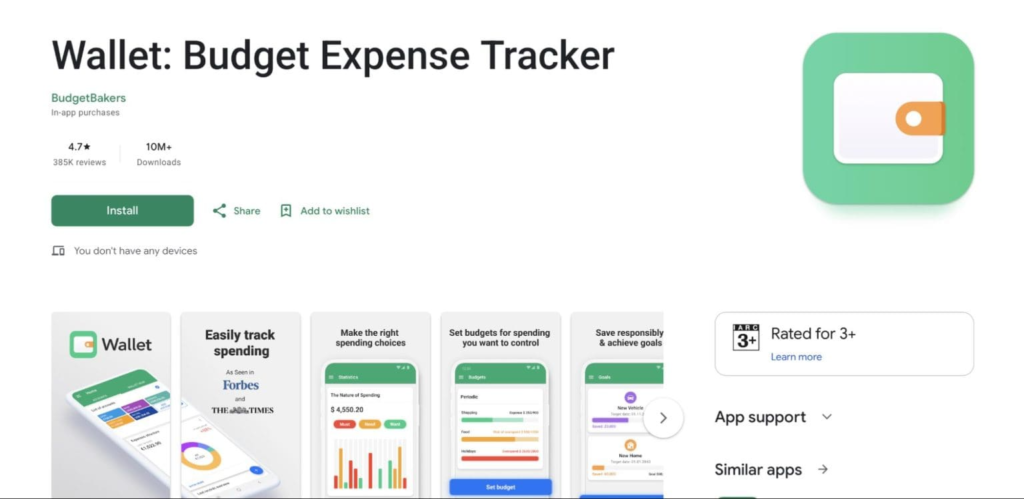
Wallet by BudgetBakers takes a broader approach to personal finance. Alongside standard expense tracking and budgeting, it is particularly useful for people who manage money across multiple accounts or currencies.
This can be helpful if you receive money in one currency, spend in another, or regularly travel between countries.
Wallet supports connected financial accounts, automatic categorization, planned payments, reporting, and multi-currency functionality. Current comparisons also list it among the more widely supported Android budgeting options.
Key Features
- Multi-currency support
- Bank synchronization
- Automatic expense categorization
- Budget planning
- Cash-flow tracking
- Recurring payment detection
- Spending reports and charts
- Shared financial management features
- Data export
One useful feature is the ability to bring different financial accounts into one place instead of checking several banking apps individually.
Pricing
Wallet offers a free version with premium features available through paid plans. Pricing varies depending on the selected subscription and region.
Best For
People who manage multiple currencies, travel frequently, or want automated financial tracking across several accounts.
3. Money Manager Expense & Budget – Best Free Manual Budgeting App
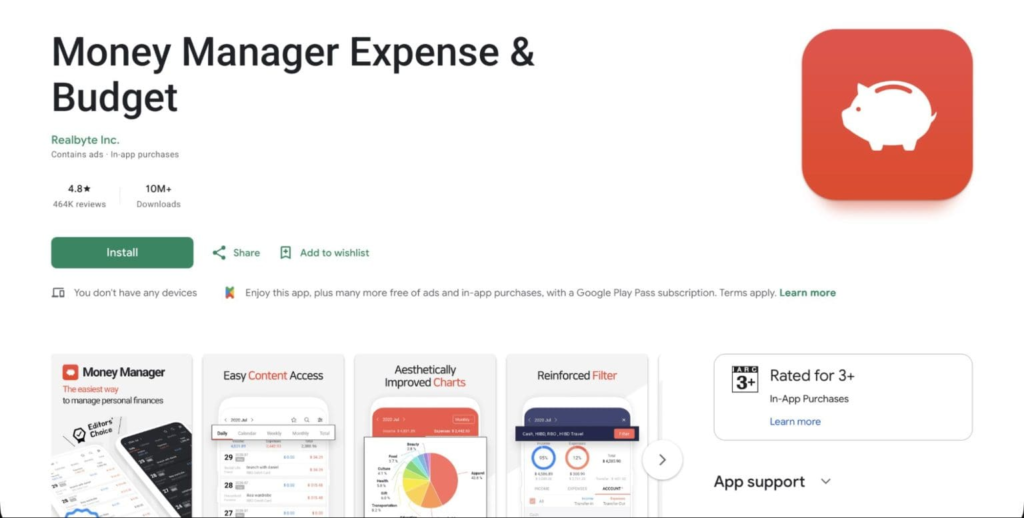
If you would rather not connect your bank account to a budgeting service, Money Manager Expense & Budget is worth considering.
The app focuses heavily on manual expense management. You enter your income and purchases yourself, then organize them using accounts, categories, budgets, and reports.
This approach requires more effort than automatic bank synchronization, but it also gives you direct control over what information enters the app.
Key Features
- Manual transaction entry
- Multiple accounts
- Multiple currencies
- Detailed categories and subcategories
- Weekly, monthly, and yearly budgets
- Calendar-based transaction history
- Spending statistics
- Search functionality
- Backup and export options
- Cloud synchronization through the paid version
Money Manager is also listed in current Android budgeting comparisons as an option for users who prefer offline or manual-first expense tracking.
Pricing
The main budgeting features are available for free, while cloud synchronization and additional functionality can require a paid upgrade. The source material lists pricing at approximately $2.49 per month or $19.99 per year for cloud sync.
Best For
Users who want a feature-rich manual budgeting app without connecting their bank accounts.
4. Spendee – Best for Visual Spending Reports
Some people understand their finances better when they can see them.
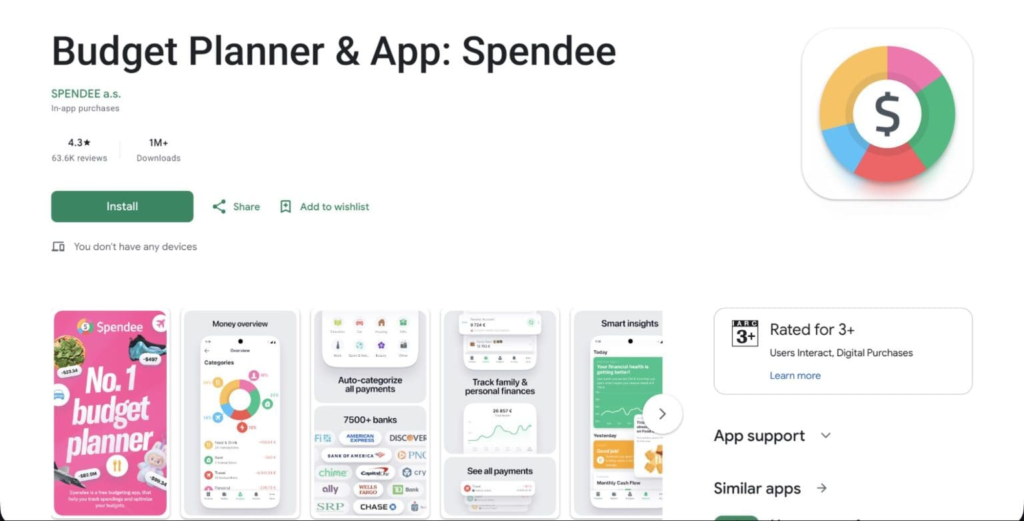
That is where Spendee stands out. Rather than presenting your spending as a long list of transactions, it emphasizes visual reports, charts, categories, and trends.
Expenses can be organized into wallets and categories, making it easier to see where your money is going at a glance.
Key Features
- Color-coded spending categories
- Visual charts and reports
- Multiple wallets
- Bank synchronization
- Shared finances
- Recurring expenses
- Receipt scanning
- Support for selected digital wallets and financial services
- Spending trends
Spendee is particularly useful for users who prefer visual summaries over traditional spreadsheets and transaction lists. Current 2026 comparisons also highlight its visual interface and shared-wallet capabilities.
Pricing
Spendee offers a free version for basic budgeting and manual tracking. Premium plans add features such as bank synchronization and additional wallets.
Best For
People who prefer charts, graphs, and visual spending breakdowns instead of working primarily with lists.
5. Fudget – Best for Simple No-Bank Budgeting
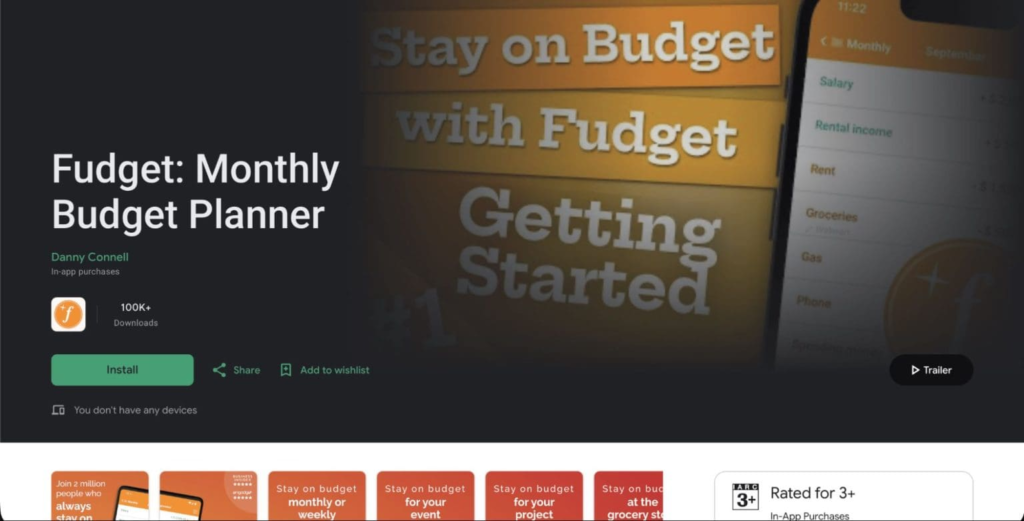
Fudget takes a completely different approach.
Instead of connecting your bank account, automatically categorizing transactions, or building a complicated financial dashboard, it gives you a simple running list of income and expenses.
You can create separate budgets for different purposes, such as monthly expenses, holidays, projects, or savings goals.
Key Features
- Manual income and expense tracking
- No bank connection required
- Simple budget lists
- Recurring entries
- Multiple separate budgets
- Cross-device synchronization
- Minimal interface
The biggest advantage is simplicity. There are fewer settings and automated systems to manage, which can be useful if all you want is a straightforward digital alternative to a spreadsheet.
Pricing
Fudget offers a free version supported by ads, while a one-time upgrade removes ads and unlocks additional features.
Best For
Anyone who wants simple manual budgeting without giving a third-party app access to their bank account.
What Should You Look for in an Android Budgeting App?
Before installing a budgeting app, think about how you actually manage money. The app with the most features is not necessarily the one you will use consistently.
Do You Want Automatic Tracking?
Bank synchronization can save time because transactions are imported automatically.
However, connecting your financial accounts means trusting the service with financial data. If that is a concern, a manual app such as Fudget or Money Manager may be more suitable.
Do You Need a Safe-to-Spend Number?
A normal expense tracker tells you where your money went.
A more advanced budgeting app can also help answer where you stand before making another purchase.
If this is your main goal, look for features that consider upcoming bills, savings targets, and planned expenses rather than relying only on your current bank balance.
Do You Use Multiple Currencies?
International workers, travelers, and people with foreign bank accounts should pay particular attention to currency support.
An app that handles multiple currencies properly can make it much easier to understand your total finances without manually converting every transaction.
Do You Prefer Charts or Numbers?
Visual reports can make spending patterns easier to understand, especially if you want a quick overview.
On the other hand, detailed category and transaction lists may be better if you prefer analyzing individual purchases.
What Happens After the Free Plan?
Always check which features you actually need before subscribing.
Some apps keep basic manual tracking free but reserve bank synchronization, advanced reports, cloud backup, or forecasting for premium users.
Frequently Asked Questions
Which budgeting app is best for Android?
There is no single app that fits every budgeting style. PocketGuard focuses on automated budgeting and available spending, Wallet is suited to multi-currency and connected-account management, Money Manager emphasizes manual tracking, Spendee focuses on visual reporting, and Fudget keeps budgeting simple and manual.
Can I budget without connecting my bank account?
Yes. Fudget is specifically designed around manual budgeting, while Money Manager can also be used without bank synchronization.
Are budgeting apps free?
Many offer free versions, but advanced features such as bank synchronization, cloud backup, additional wallets, forecasting, and debt-management tools may require a subscription or one-time payment.
Which app is useful for multiple currencies?
Wallet by BudgetBakers is specifically suited to users who need multi-currency budgeting and financial tracking. Current comparisons also identify Wallet as having broad language and international support.
Should I connect my bank account to a budgeting app?
It depends on your priorities. Bank synchronization is convenient because transactions can be imported automatically, but it also means sharing financial-account data with the service and its integration providers. If you prefer maximum control over your information, manual-entry apps are an alternative.
Final Thoughts
The best Android budgeting app is ultimately the one that fits the way you already manage money.
PocketGuard focuses on helping users understand their available spending, while Wallet by BudgetBakers is a strong option for people dealing with multiple currencies and connected accounts.
If you prefer manual control, Money Manager Expense & Budget provides a broad set of tracking and reporting tools without requiring automatic bank synchronization. Spendee is geared toward people who understand spending better through charts and visual reports, while Fudget keeps the entire process simple with manual budget lists.
Before choosing one, decide what matters most: automation, privacy, visual reports, multiple currencies, or simplicity. Once that is clear, choosing the right budgeting app becomes much easier.