Skip to content
TechHowLab: Digital Innovation Mark Techhowlab

Simple, tested fixes for Windows and PC problems

  • Android
  • Windows
  • Software & Dev

Windows

  • Home
  • Windows
Windows Update Stuck at 0% or Downloading Forever What to Do
Posted inWindows

Windows Update Stuck at 0% or Downloading Forever? What to Do

You open Windows Update and see Downloading - 0%, and it stays there for hours. Or the progress bar creeps forward and then stalls. Updates bring security fixes, so leaving…
Posted by Rishabh October 31, 2026
Laptop Fan Running Loud All the Time After a Windows Update? How to Quiet It
Posted inWindows

Laptop Fan Running Loud All the Time After a Windows Update? How to Quiet It

Your laptop was quiet until a Windows update, and now the fan runs loudly even when you are only reading email. The bottom may feel warmer than usual and the…
Posted by Rishabh October 31, 2026
Printer Shows Offline on Windows 11 How to Bring It Back Online
Posted inWindows

Printer Shows Offline on Windows 11? How to Bring It Back Online

Your printer is switched on and connected, yet Windows 11 insists it is Offline and nothing prints. This is one of the most common printer problems, especially with Wi-Fi printers.…
Posted by Rishabh October 26, 2026
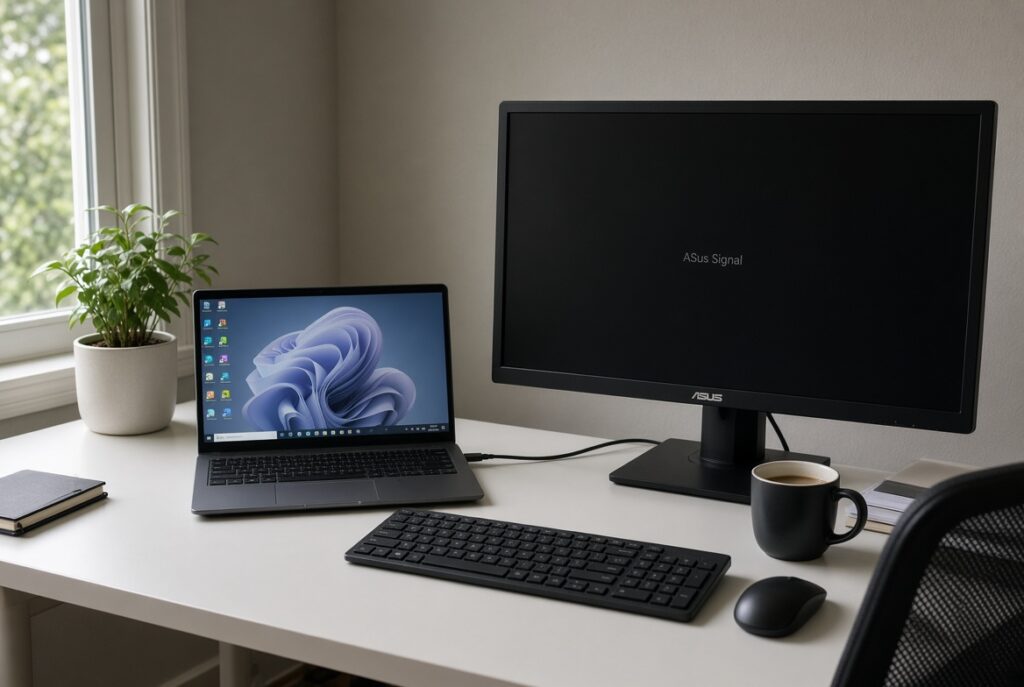
Second Monitor Not Detected on Windows 11 How to Get It Showing
Posted inWindows

Second Monitor Not Detected on Windows 11? How to Get It Showing

You plug in a second monitor and nothing happens. The screen says No signal, or Windows 11 simply does not list it in display settings. A second screen is a…
Posted by Rishabh October 26, 2026
Win + V Clipboard History Not Working on Windows 11 How to Fix It
Posted inWindows

Win + V Clipboard History Not Working on Windows 11? How to Fix It

Clipboard history lets you press Win + V and paste anything you copied recently, not just the last item. When the panel will not open, stays empty or keeps forgetting…
Posted by Rishabh October 24, 2026
Snipping Tool Not Opening or Not Capturing on Windows 11 Fixes
Posted inWindows

Snipping Tool Not Opening or Not Capturing on Windows 11? Fixes

Snipping Tool is the quickest way to grab part of your screen on Windows 11. When Win + Shift + S does nothing, the app will not open, or your…
Posted by Rishabh October 24, 2026
Keyboard Typing Wrong Characters on Windows 11? How to Fix It
Posted inWindows

Keyboard Typing Wrong Characters on Windows 11? How to Fix It

You press Shift + 2 expecting @ and get a quotation mark, or certain letters type numbers, or symbols appear in the wrong places. When your keyboard types the wrong…
Posted by Rishabh October 17, 2026
File Explorer Slow or Not Responding on Windows 11 How to Speed It Up
Posted inWindows

File Explorer Slow or Not Responding on Windows 11? How to Speed It Up

File Explorer should open instantly, but on some Windows 11 PCs it takes ages, shows Working on it... for a long time, or freezes with Not responding. Since you use…
Posted by Rishabh October 17, 2026
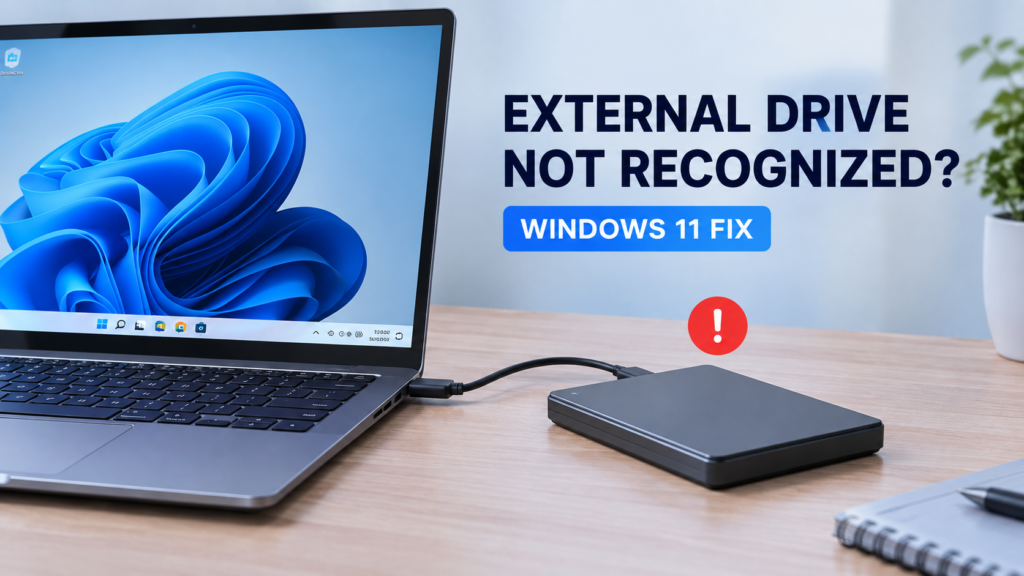
External Drive Not Recognized? Windows 11 Fix
Posted inWindows

External Drive Not Detected After Safely Removing It? Try These Fixes

External hard drives, USB flash drives, SD card readers, and other removable storage devices make it easy to move files between computers. However, problems can occur if a drive is…
Posted by Rishabh September 10, 2026

Categories

  • Android
  • Software & Dev
  • Windows
  • #Android
  • #Windows
  • #Software & Dev
  • Windows Update Stuck at 0% or Downloading Forever? What to Do
  • Laptop Fan Running Loud All the Time After a Windows Update? How to Quiet It
  • Printer Shows Offline on Windows 11? How to Bring It Back Online
  • Second Monitor Not Detected on Windows 11? How to Get It Showing
TechHowLab
  • About Us
  • Contact Us
  • Terms Of Use
  • Privacy Policy
© 2026 TechHowLab. All rights reserved.
Scroll to Top